
How do I create an account?
The method to create a Megazone account offers two ways: signing up with an email account and signing up through Google login.
Sign Up with Email Account
Please visit the MegaZone account login page.
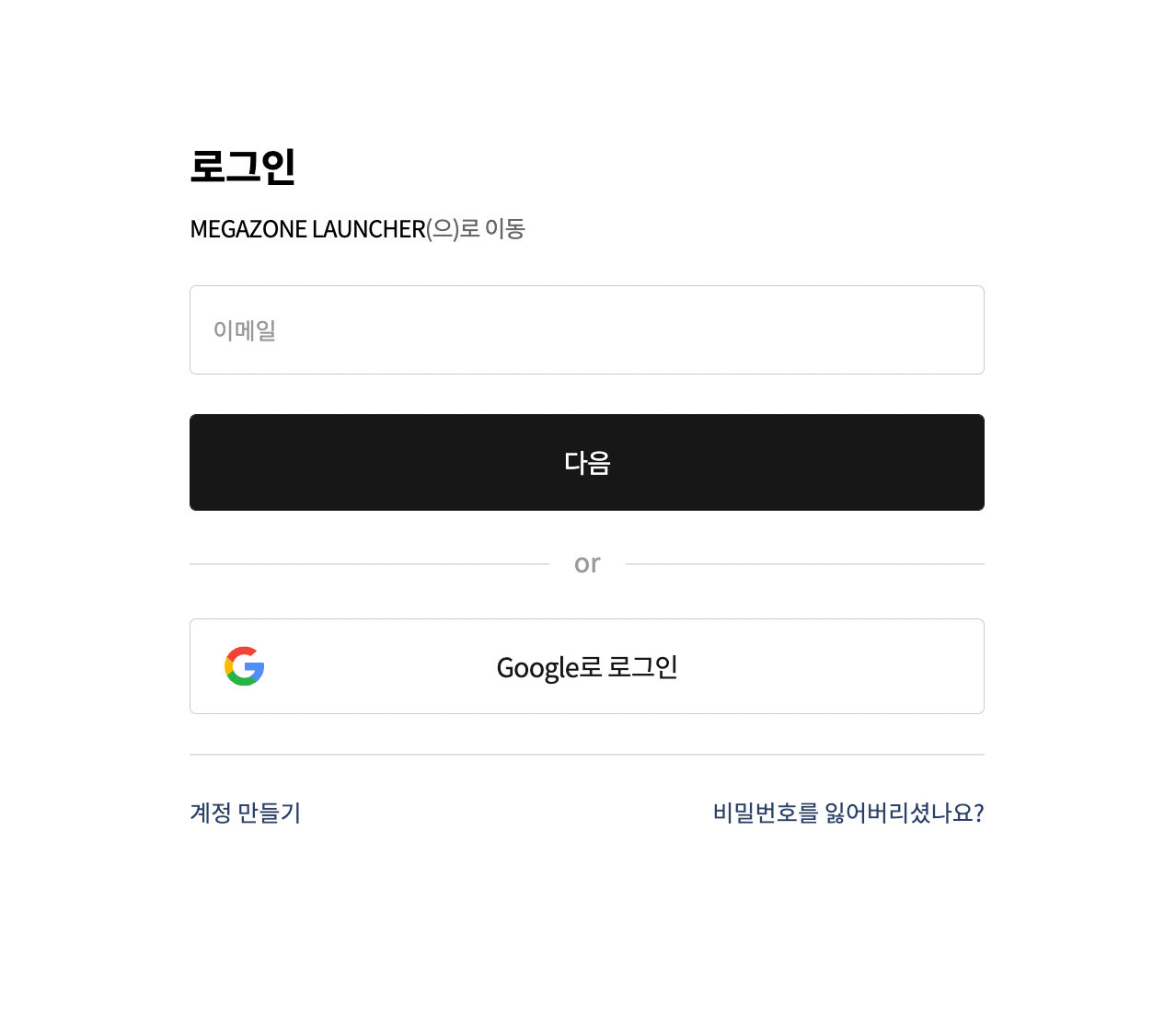
Please select the [Create Account] button on the Login page to proceed to the account creation screen.
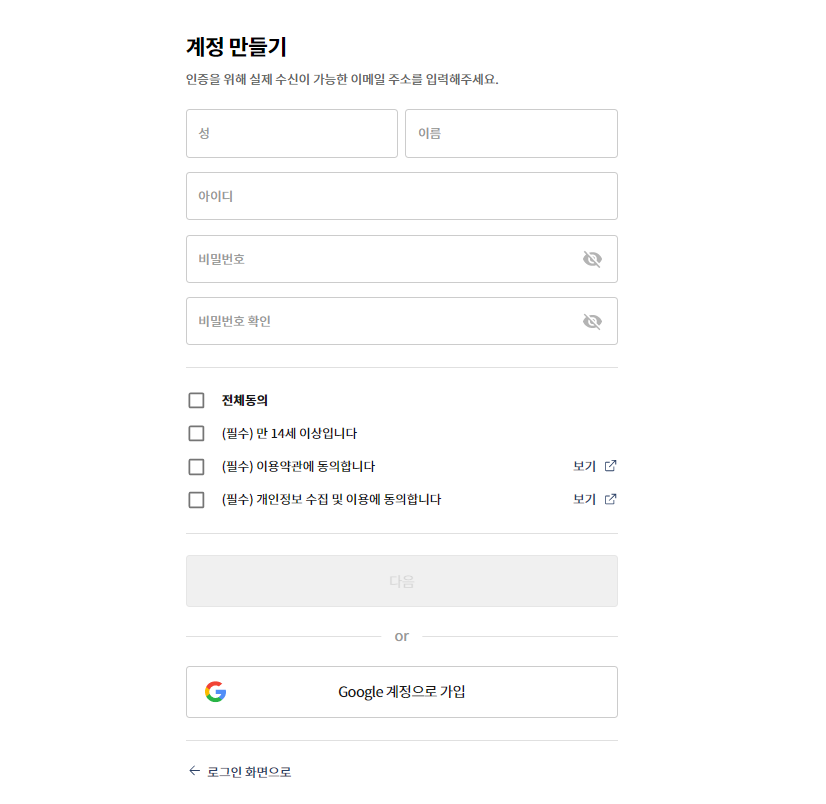
On the Create Account page, please enter all required information and select the [Next] button.
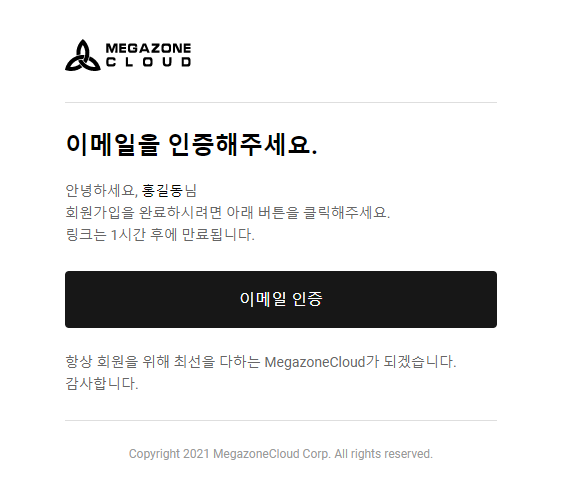
Please check the inbox of the email sent to the ID you entered on the Create Account page and select the [Email Verification] button in the verification email.
Once the email verification is complete, you will see a screen like the one below, and your account creation will be finalized.
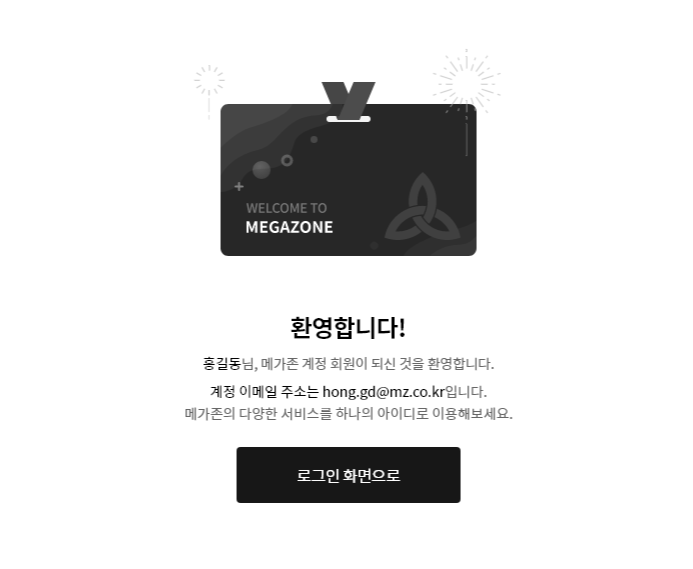
You must complete email verification for your MegaZone account to be finally created, so please make sure to create your account with an email address that can receive emails.
If you did not receive the verification email, please refer to the following help guide.
I'm not receiving the verification email.
Sign Up with Google Login
By signing up through Google Login, you can use your Megazone account with Google Login. You can only create a new Megazone account with a Google account that is either linked to another Megazone account or not being used as an ID. Please refer to the following help for instructions on how to sign up with Google Login.
I want to sign up for a Megazone account with my Google account.