I forgot my password.
If you have forgotten the password for your Megazone account, you can reset your password using the following method.
Password Reset Method
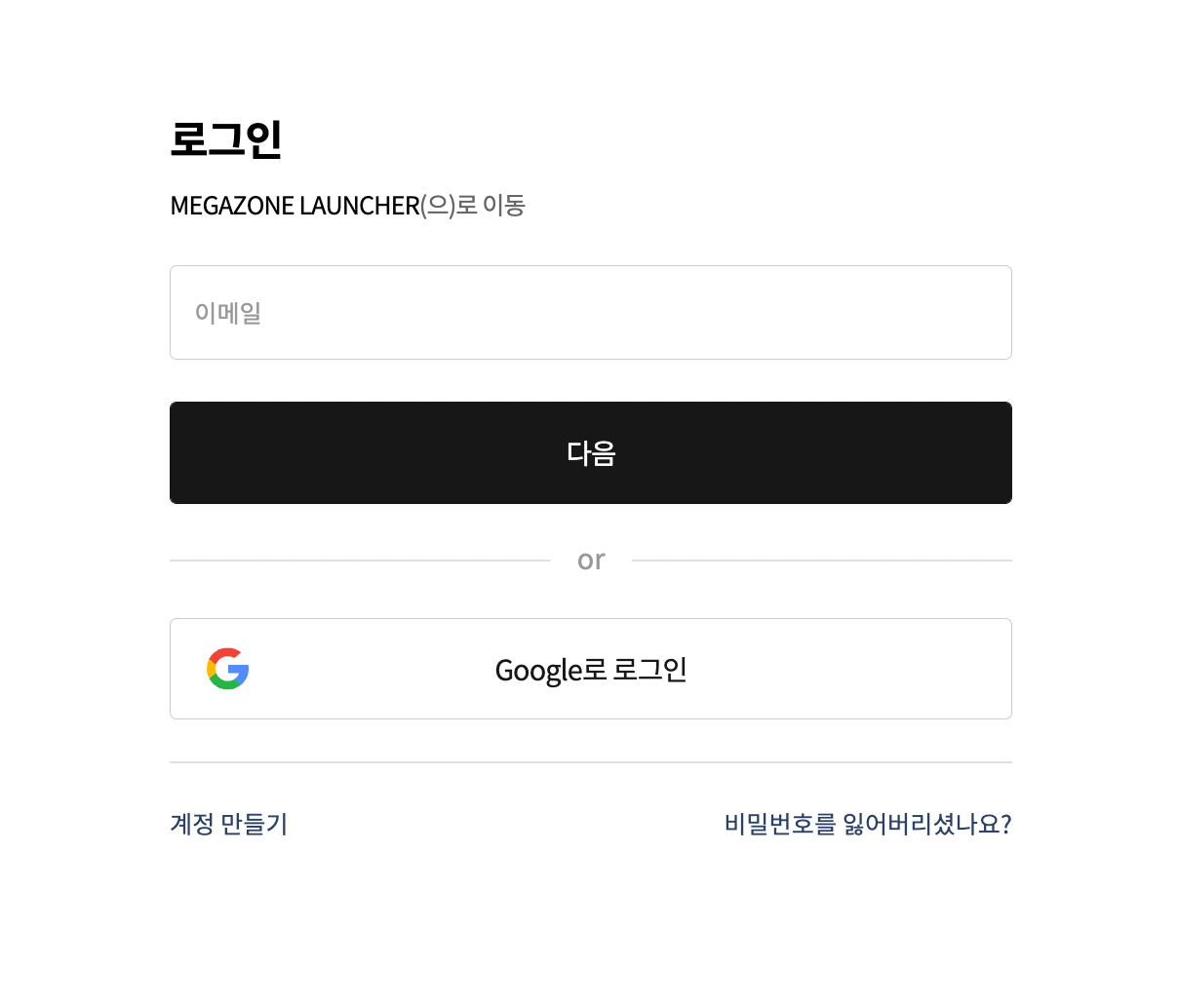
After accessing the Megazone account login page, please select the [Forgot your password?] button to move to the Password Reset page.
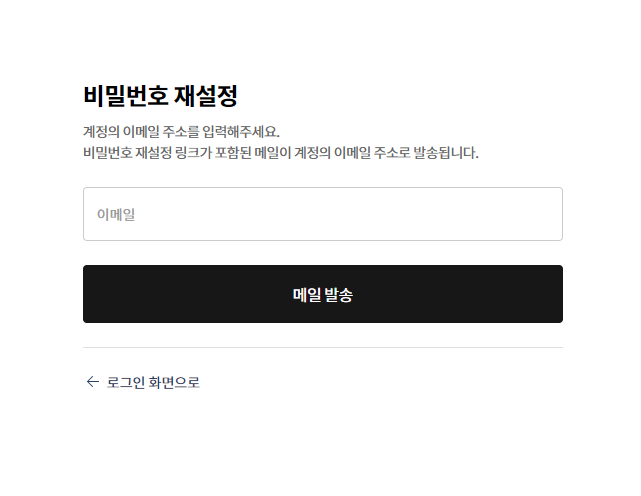
On the Password Reset page, please enter the email address of the ID for which you want to change the password and select the [Send Mail] button.
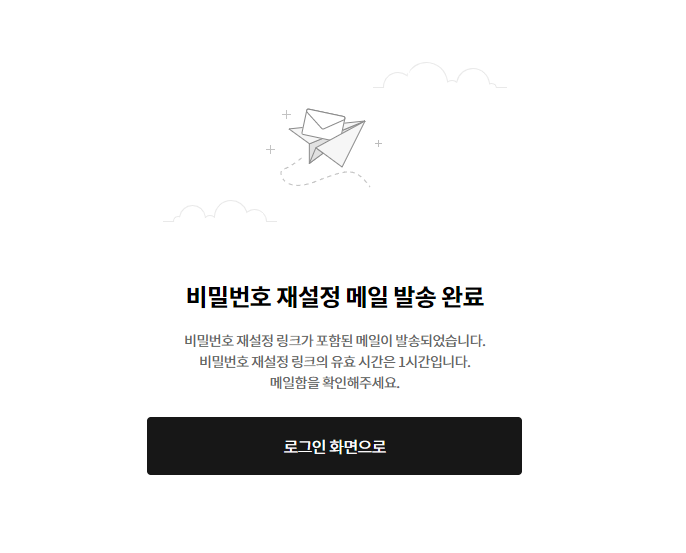
When the Password Reset Email Sent page like the one below is displayed, please check the inbox of the email address you entered.
Please select the [Password Reset] button in the password reset email to proceed to the Change Password page.
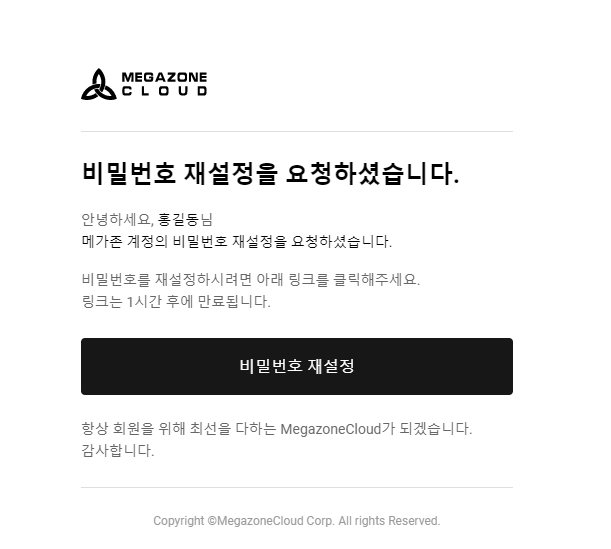
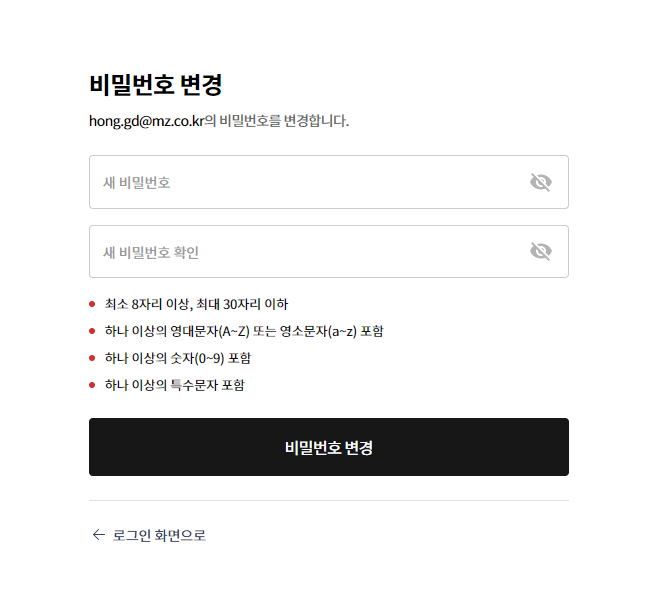
On the Change Password page, please enter the new password and confirm the new password according to the password policy, then select the [Change Password] button.
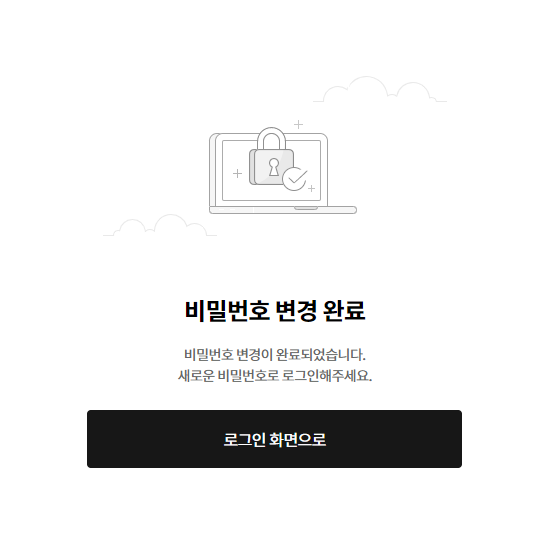
Password change will redirect you to a page titled Password Change Complete as shown below. After that, you can log in using the changed password.